How to Install Lightroom Presets on Mobile
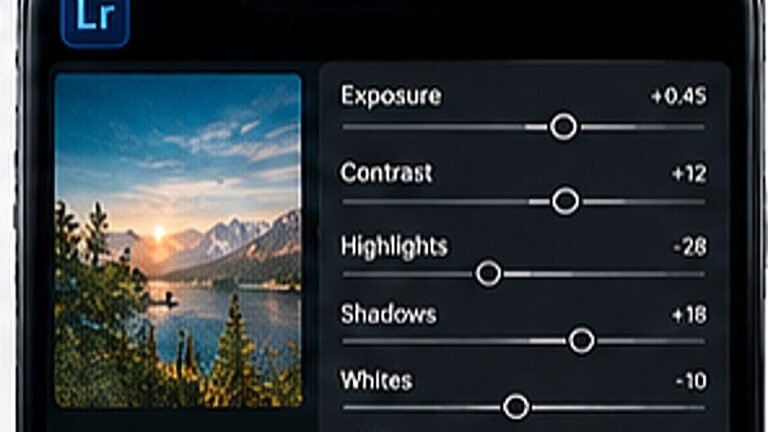
Import a DNG preset once and reuse it on every photo, the exact taps, in order.
Consistency comes from deciding once, not from editing well every time. Choose a direction, such as warm and bright, cool and moody, or faded and filmic, and stick to it for a month.
Run every photo through the same order. Fixing geometry before colour and colour before texture saves you from redoing work.
Export at the largest size available and let Instagram compress once. Re-saving a photo that has already been compressed is what creates blocky skies.
Tip. Never screenshot an edit to post it. You lose about half the data.
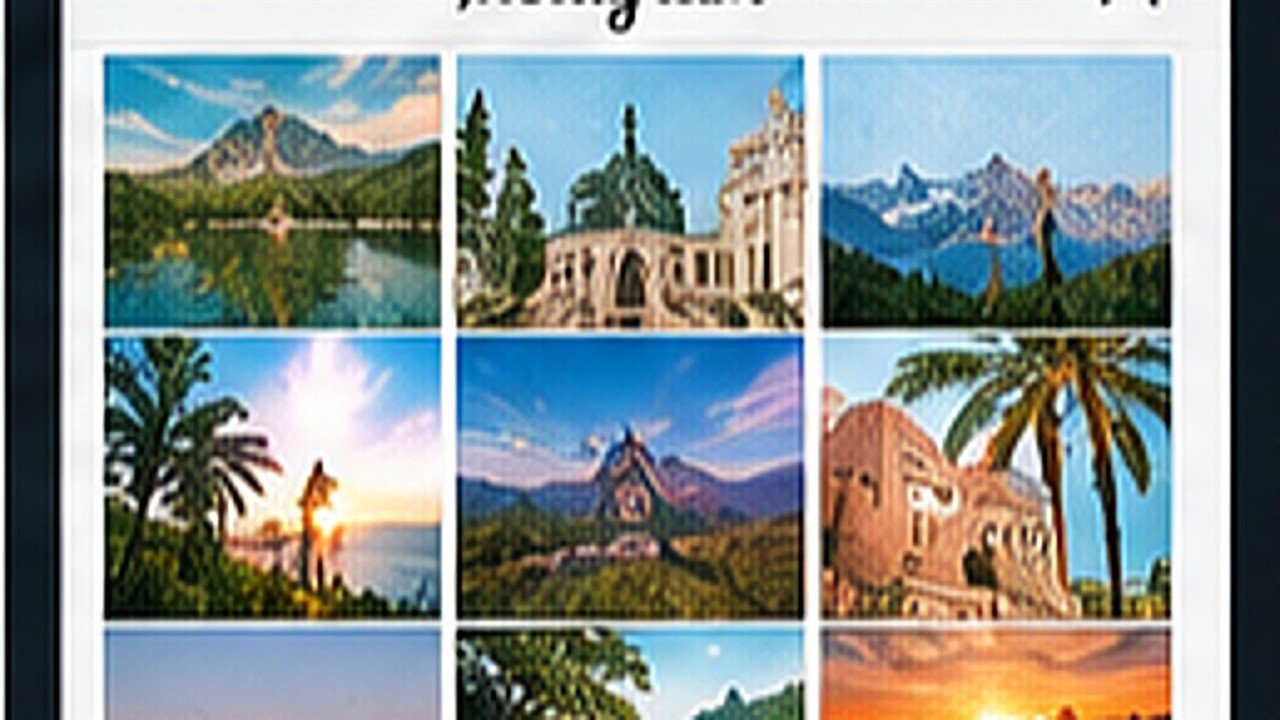
Open your profile and look at the nine most recent posts together. Individual photos can be great and still make a messy grid, and that is a sequencing problem, not an editing one.
Import a DNG preset once and reuse it on every photo, the exact taps, in order.
Split toning, curves and a little grain, the recipe behind the teal-and-orange look.
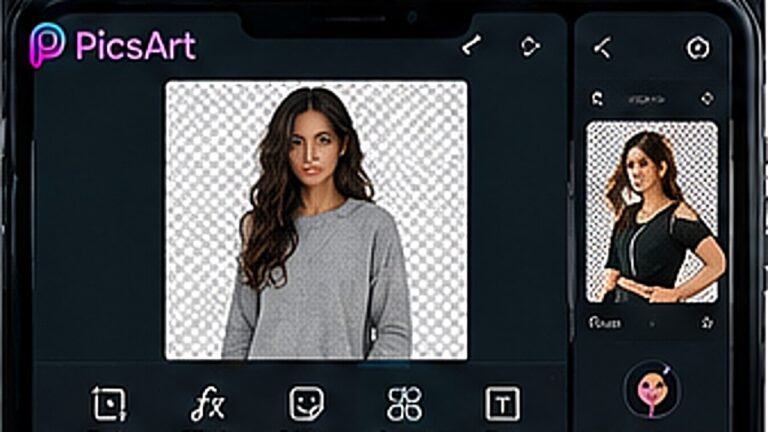
Clean cutouts around hair and edges, using the free tools only.