
Free Spins No Deposit UK: Explore Casino Games Without an Initial Deposit
The excitement of online casino gaming becomes even more appealing when players can explore games without having to make an initial deposit. This is […]
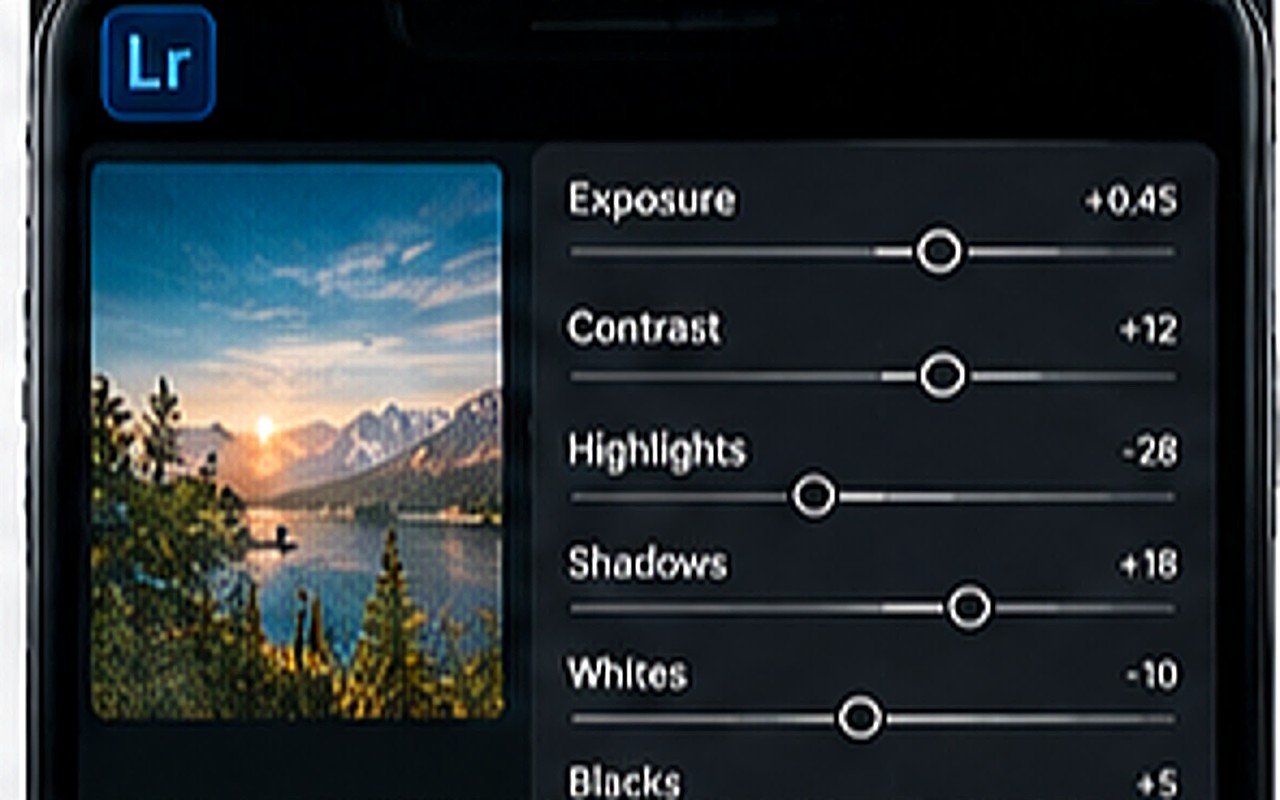
This is framed as a rivalry online, but the two apps barely overlap. Lightroom changes the light and colour of a photo you already have. PicsArt changes what is in the photo. Most good mobile edits use one for each half of the job.
Lightroom is a colour and tone tool with a non-destructive history. Exposure, white balance, tone curves, per-colour adjustment and preset reuse are its strengths, and it handles RAW files from phone Pro modes properly. If your goal is a look, this is the app.
PicsArt is a compositor: cutouts, layers, text, stickers, PNG overlays and shapes. It is the right app for thumbnails, posters, photo manipulation and anything with type on it. Its colour tools exist but are blunt compared with those in Lightroom.
Grade first, compose second. Finish colour in Lightroom, export at full resolution, then bring that file into PicsArt to cut out, layer and add type. Working the other way around means re-grading a flattened composition, which rarely survives.
Tip. Never move a file between apps more than twice. Each save re-compresses it.
Both apps are usable free and both push subscriptions. The free tier of Lightroom covers the whole grading workflow described here; masking is the main paywalled feature. The free tier of PicsArt covers cutouts and layers, with watermark-free export and some assets behind the paid plan. Neither free tier blocks you from finishing a good edit.
No. DNG presets are read by Lightroom. Grade in Lightroom first, export, then composite in PicsArt.
Lightroom, if your photos mainly need to look better. PicsArt, if you need cutouts, text or thumbnails. Learning Lightroom first tends to teach more transferable skills.
Not for the workflows on this site. The free tiers of both apps cover grading, cutouts and layering; paid plans mainly add masking, cloud sync and asset libraries.
The excitement of online casino gaming becomes even more appealing when players can explore games without having to make an initial deposit. This is […]
The world of online casinos in the UK has grown significantly, offering players access to thousands of exciting games, live dealer experiences, interactive features […]
Introduction Rose Swisher is best known as the first wife of Bill Russell, one of the greatest basketball players in NBA history. Although her […]