How to Install Lightroom Presets on Mobile
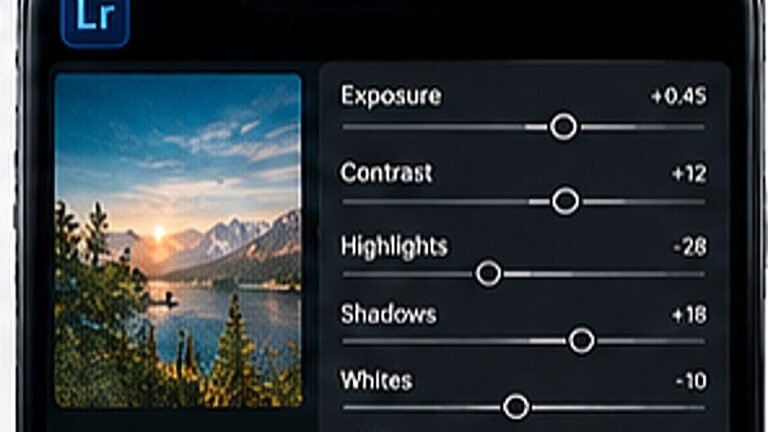
Import a DNG preset once and reuse it on every photo, the exact taps, in order.
Highlights that clip are gone forever; shadows can usually be lifted. Tap to focus, then drag the exposure slider down about a third. Editing gets much easier.
Crop later, not in the moment. A little extra space lets you straighten horizons and reframe for different aspect ratios without losing the subject.
Open shade, a window, or the last hour before sunset will do more for a photo than any preset. Hard midday sun is the one condition worth avoiding.
Tip. If you can see a bright reflection in someone eyes, the light is working.
Beauty filters, heavy HDR and in-camera stylisation bake decisions into the file that you cannot undo later. Shoot as plain as your phone allows, ideally RAW.
Import a DNG preset once and reuse it on every photo, the exact taps, in order.
Split toning, curves and a little grain, the recipe behind the teal-and-orange look.
Clean cutouts around hair and edges, using the free tools only.