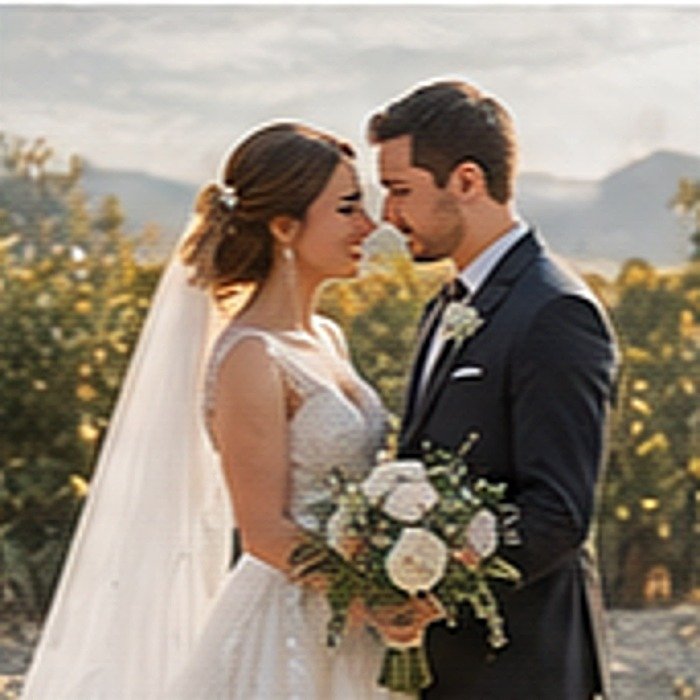

Golden Wedding Preset
A warm, airy grade for wedding and event photos. Highlights are protected so dresses and tablecloths keep detail, and greens are muted so garden backgrounds do not overpower.
How to install this preset
- Tap the download button and save the XMP file to your phone.
- Open Lightroom Mobile and go to the Presets panel on any photo.
- Tap the three dots in the Presets panel and choose Import Presets.
- Select the XMP file you downloaded. It installs into the Aarya Editz group.
- Tap the preset to apply it, then adjust exposure and white balance to suit your shot.
Tip. Every camera meters differently. Expect to nudge exposure by about 0.5 and temperature by about 200K after applying.
Prefer the DNG copy-and-paste method? Read the full install tutorial.